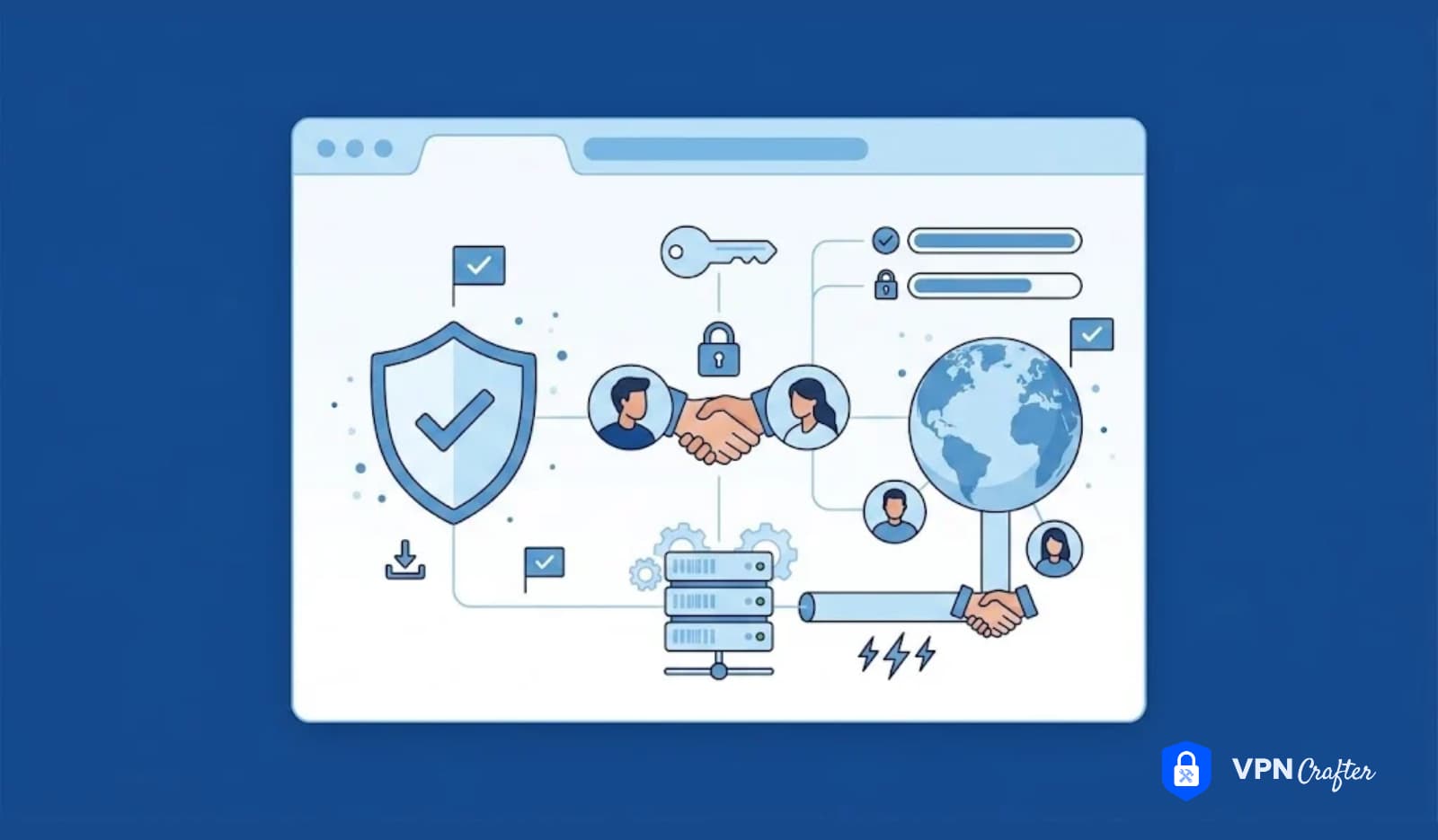
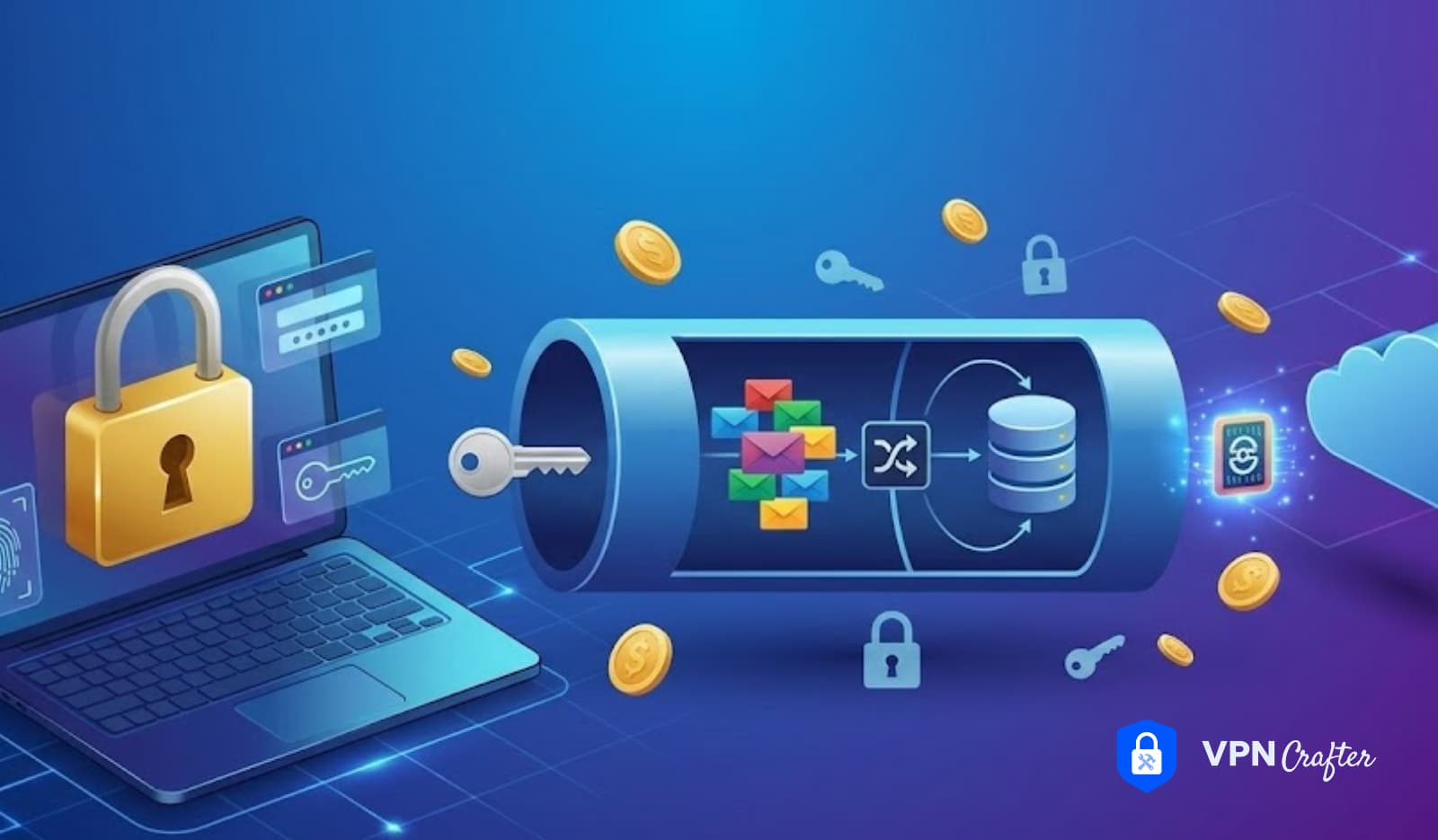

Every VPN connection starts with a question: who are you, and can I trust you?
VPN authentication is the process that answers that question. Before any encrypted tunnel gets established, before any traffic moves, the VPN server needs to verify that the connecting client is legitimate — and increasingly, that the user controlling that client is who they claim to be. Get authentication right and you have a genuinely secure product. Get it wrong and even the strongest encryption in the world doesn’t protect you, because an attacker doesn’t need to break the cipher if they can simply walk through an unguarded door.
For VPN developers and white label VPN businesses, authentication isn’t just a security checkbox. It shapes your user experience, your compliance posture, your enterprise sales conversations, and your infrastructure complexity. This guide covers the full picture — what authentication methods exist, how they work inside specific VPN protocols, what mistakes are common in production deployments, and what to build if you’re serious about launching a credible product.
The Two Sides of VPN Authentication
Most people think of VPN authentication as one thing, but it actually operates on two distinct levels.
Server authentication verifies that the client is connecting to the right server — not an impersonator. This typically happens through digital certificates: the server presents a certificate signed by a trusted Certificate Authority (CA), and the client checks it before proceeding. Without this layer, users are vulnerable to man-in-the-middle attacks where an attacker intercepts the connection at the setup phase.
Client authentication verifies that the person or device connecting is authorized to use the service. This is where usernames, passwords, certificates, tokens, and multi-factor authentication come in. The server needs to confirm not just that a connection request arrived, but that the entity making the request has legitimate credentials.
Both layers need to work correctly. A VPN that authenticates the client but not the server is vulnerable to impersonation. A VPN that authenticates the server but accepts any client — or authenticates clients weakly — is essentially open to anyone willing to try.
Authentication Methods: A Full Breakdown
Username and Password
The oldest and most familiar method. Users provide a credential pair that the VPN server checks against a stored database (usually hashed and salted — or at least, it should be). Simple to implement, simple for users to understand.
The problem is that passwords are weak on their own. They get reused, phished, brute-forced, and leaked in data breaches. A username/password-only VPN product in 2025 is below the security bar that enterprise buyers expect and that security-conscious consumers increasingly demand. Password authentication is a starting point, not a complete solution.
Certificate-Based Authentication
Certificates are cryptographic identity documents. A certificate-based VPN deployment means each authorized user or device gets a unique certificate, signed by your CA, that the VPN server recognizes as legitimate. The user doesn’t type a password — the certificate exchange happens automatically during connection setup.
This is more secure than passwords for several reasons. Certificates can’t be phished the same way passwords can. Revoking access is clean and immediate — add the certificate to a revocation list and that client can no longer connect, regardless of what credentials they might have memorized. Certificate-based auth also scales well in enterprise environments where device management systems can automate certificate distribution.
The operational overhead is real, though. You need to run a CA, manage certificate lifecycles, handle revocation properly, and have a process for when certificates expire or devices are lost. For consumer-facing VPN products, this complexity usually isn’t worth it — simpler credential methods with MFA are more practical.
Pre-Shared Keys (PSK)
A pre-shared key is a secret string shared between the client and server before the connection is established. Both sides know the key; possession of the key is the authentication credential. WireGuard uses a form of this in its public key exchange model — each peer’s public key effectively functions as their identity.
PSKs are simple and fast. They work well in controlled environments where key distribution is manageable. The weakness is that a compromised PSK compromises everyone who shares it. In scenarios where the same key is shared across many users — which is a common misconfiguration — a single breach affects all of them.
Multi-Factor Authentication (MFA)
MFA requires users to verify identity through two or more factors: something they know (password), something they have (phone, hardware token), or something they are (biometrics). For VPN products targeting enterprise customers, MFA is increasingly non-negotiable. Many enterprise security policies mandate it, and several compliance frameworks — SOC 2, ISO 27001, various government standards — effectively require it for remote access solutions.
Implementing MFA in a VPN context typically means integrating with TOTP (Time-based One-Time Password) apps like Google Authenticator or Authy, or connecting to an enterprise identity provider via SAML or OIDC. Hardware tokens (FIDO2/WebAuthn) are also viable for high-security deployments, though they add provisioning complexity.
EAP (Extensible Authentication Protocol)
EAP is a framework rather than a single method — it defines how authentication data gets exchanged without specifying what authentication actually happens. IKEv2/IPSec commonly uses EAP to support multiple authentication methods within the same protocol infrastructure. EAP-TLS uses certificates. EAP-MSCHAPv2 uses usernames and passwords. EAP-TTLS wraps the authentication exchange in a TLS tunnel.
For enterprise VPN deployments, EAP support is often mandatory. Corporate environments frequently use EAP-TLS or EAP-TTLS to integrate VPN authentication with existing identity management systems. If you’re building a B2B VPN product and EAP isn’t on your roadmap, that’s a gap worth addressing early.
RADIUS and LDAP Integration
RADIUS (Remote Authentication Dial-In User Service) and LDAP (Lightweight Directory Access Protocol) are backend authentication infrastructure that enterprise networks rely on heavily. RADIUS is a networking protocol for centralized authentication — it lets your VPN server delegate credential verification to a RADIUS server, which then checks against an existing user database. LDAP provides directory services; Active Directory, the dominant enterprise identity system, uses LDAP under the hood.
Supporting RADIUS and LDAP integration transforms a VPN product from a standalone service into something that fits into enterprise IT infrastructure. When a company’s IT team can connect your VPN to their existing Active Directory, they don’t need to manage a separate set of user credentials — their existing user provisioning and deprovisioning workflows apply automatically. That’s a meaningful selling point in B2B sales.
Token-Based Authentication
Hardware tokens (RSA SecurID, YubiKey) generate one-time codes or handle cryptographic challenge-response authentication. Software tokens do the same via apps. Token-based auth is typically used as the second factor in an MFA setup rather than as a standalone method. For high-security use cases — government, financial services, healthcare — hardware tokens are sometimes required by policy.
How Authentication Works Inside Each Major VPN Protocol
Understanding VPN authentication means understanding how it integrates with the specific VPN protocols you’re building on.
WireGuard Authentication
WireGuard uses a public-key cryptography model. Each peer — client and server alike — has a keypair. The public key functions as the identity; the server maintains an “allowed peers” list of client public keys, and only connections from listed keys are accepted. There’s no username or password in the base protocol.
This model is clean and fast, but it means user-level authentication has to be handled at the application layer, above WireGuard itself. If you want username/password or MFA, you build that into your client app and provisioning system. WireGuard handles the cryptographic handshake; your application handles everything else. For white label VPN development, this separation is actually useful — it gives you architectural flexibility to implement whatever authentication model fits your market.
OpenVPN Authentication
OpenVPN supports multiple authentication mechanisms simultaneously. Certificate-based authentication secures the TLS handshake. Username/password authentication (via the auth-user-pass option) can add a credential layer on top. Both can be required together, giving you a two-factor setup within OpenVPN itself. Additionally, OpenVPN supports plugin-based authentication, making RADIUS integration straightforward with available plugins.
This flexibility is one reason OpenVPN remains common in enterprise deployments despite its performance disadvantages relative to WireGuard. Complex authentication requirements are easier to satisfy with OpenVPN’s extensible model.
IKEv2/IPSec Authentication
IKEv2 uses EAP for client authentication, which means it can support a wide range of authentication methods depending on your EAP configuration. Server authentication in IKEv2 uses certificates — the server must present a certificate the client trusts. For enterprise deployments using Managed Device Programs, IKEv2 with certificate-based client auth integrates neatly with MDM systems that can distribute certificates to managed devices automatically.
OpenVPN vs. WireGuard: Authentication Flexibility
OpenVPN gives you more built-in authentication options but requires more configuration care. WireGuard is simpler and faster but pushes authentication responsibility to your application layer. Neither is universally better — the right choice depends on your product’s requirements and your team’s implementation capacity.
Authentication vs. Encryption: Understanding the Difference
These two concepts are closely related but distinct, and conflating them causes real problems in product architecture and marketing.
Authentication answers: Who is this, and are they allowed in? Encryption answers: Can anyone else read this traffic?
A VPN can have strong encryption and weak authentication. The traffic inside the tunnel might be completely scrambled, but if an attacker can authenticate as a legitimate user, they get access to that encrypted tunnel themselves. Conversely, a VPN with strong authentication but weak encryption verifies identity correctly but then transmits data in a way that could be intercepted and read.
You need both. Authentication without strong encryption is an unlocked safe. Encryption without proper authentication is a safe that anyone who knows the combination can open.
For your marketing and technical documentation, keep this distinction clear. Users and enterprise buyers sometimes focus exclusively on encryption specs (“AES-256!”) without asking authentication questions. Helping them understand the full picture builds trust and often reveals requirements they haven’t considered.
VPN Authentication Comparison Table
| Method | Security Level | User Experience | Enterprise Ready | MFA Compatible | Common Use Case |
|---|---|---|---|---|---|
| Username/Password | Low-Medium | Simple | Requires MFA | Yes | Consumer VPN baseline |
| Certificate-Based | High | Transparent | Yes | Yes | Enterprise, MDM |
| Pre-Shared Key | Medium | Simple | Limited | No | Site-to-site, IoT |
| MFA (TOTP) | High | Moderate | Yes | Native | Security-conscious consumers, enterprise |
| EAP-TLS | Very High | Transparent | Yes | Yes | Corporate mobility |
| RADIUS | High | Depends on backend | Yes | Yes | Enterprise Active Directory integration |
| Hardware Token | Very High | Moderate | Yes | Native | High-security deployments |
Building Authentication Into Your VPN Product
Authentication architecture decisions made early are hard to change later. Here’s a practical framework for thinking through it at the design stage.
Step 1: Define your user segments Consumer-facing products have different authentication requirements than B2B products. A consumer VPN app needs authentication to be frictionless — if login takes more than a few taps, churn goes up. An enterprise product needs to integrate with existing identity infrastructure, support MFA policies, and provide audit logs of authentication events.
Step 2: Choose your credential model Decide what your primary credential is: email/password, social login, certificate, or a proprietary token issued during account creation. Build your authentication database and password hashing around this choice. Use bcrypt, scrypt, or Argon2 for password storage — MD5 and SHA-1 are not acceptable.
Step 3: Layer MFA Even for consumer products, TOTP-based MFA is worth supporting as an opt-in feature. Users who care about security will use it; requiring it for all users creates friction that affects conversion. In enterprise products, MFA should be default and ideally policy-enforced.
Step 4: Handle session management A successful authentication produces a session token or credential the client uses for subsequent connections. Decide on session duration, refresh token behavior, and what triggers re-authentication (network change, idle timeout, suspicious activity). Poor session management is one of the most common ways authentication strength gets undermined in practice.
Step 5: Build revocation You need a fast, reliable way to cut off a user’s access. That means invalidating session tokens, revoking certificates, or removing WireGuard public keys from allowed peers lists, depending on your protocol. Test this flow — knowing how to revoke access quickly matters during incident response.
Step 6: Audit logging Log authentication events: successful logins, failed attempts, unusual patterns. Don’t log user activity — that conflicts with your privacy policy — but authentication metadata helps you detect credential stuffing, brute force attempts, and compromised accounts. Keep logs in a separate, write-protected store.
White Label VPN and Authentication Architecture
For White Label VPN Development, authentication architecture is one of the places where white label providers vary most significantly. Some offer basic username/password auth with no extensibility. Others support RADIUS integration, SAML SSO, and custom certificate authorities out of the box.
When evaluating a white label VPN platform for your business, ask specifically:
- What credential methods does the platform support? Username/password, OAuth/social login, SAML, OIDC, certificates?
- Does the platform support RADIUS integration? If your target market includes enterprise buyers, this matters.
- How does the platform handle MFA? Built-in TOTP? Integration with external identity providers?
- What does the audit log look like? Authentication events, not user activity.
- How is credential revocation handled? Instantaneous? Cached for some period?
- Can you run your own CA? For certificate-based auth, controlling your own Certificate Authority is important for compliance in some markets.
If you’re targeting enterprises specifically, SAML 2.0 and OIDC support for SSO integration is increasingly expected. IT teams don’t want to manage separate credentials for each security tool — they want single sign-on that connects to their existing identity provider (Okta, Azure AD, Google Workspace, etc.).
For VPN Development targeting mixed consumer and B2B markets, the practical path is usually: consumer launch with email/password plus TOTP MFA, then add RADIUS/SAML in a second phase as enterprise demand materializes.
Common Authentication Mistakes That Hurt VPN Businesses
1. Shipping without MFA support In 2025, a VPN product without any MFA option reads as outdated. Security-conscious users notice, and enterprise buyers will ask about it in the first sales call. MFA doesn’t need to be mandatory from day one, but it needs to exist.
2. Poor password storage Still surprisingly common in smaller VPN products: password hashing with MD5 or SHA-1, or plain SHA-256 without salting. Use Argon2id. If your current implementation doesn’t, migrate.
3. Long-lived session tokens with no refresh mechanism Issuing a token during authentication that’s valid for six months or a year with no way to invalidate it remotely creates a credential that outlives its usefulness. If an account gets compromised or a device is lost, you can’t effectively revoke access.
4. No rate limiting on authentication endpoints Credential stuffing attacks (using leaked username/password pairs from other breaches) are automated and high-volume. Without rate limiting and lockout policies on your authentication API, your users’ accounts are more vulnerable than they should be, especially given how frequently people reuse passwords.
5. Conflating server certificate verification with client authentication Some smaller VPN implementations skip server certificate verification entirely in the client, accepting any server certificate. This makes the product vulnerable to man-in-the-middle attacks at the connection setup phase — a significant security flaw that sophisticated users and security reviewers will find.
6. Ignoring authentication in protocol fallback paths If your app falls back from WireGuard to OpenVPN under certain conditions, does authentication behave consistently across both code paths? Gaps in fallback authentication logic create edge-case vulnerabilities that are easy to miss in testing.
7. No audit trail for authentication events When an incident occurs — a user reports unauthorized access, a suspicious pattern appears — having no authentication event log makes investigation nearly impossible. This is a security gap and, in regulated markets, potentially a compliance gap as well.
Best Practices for Secure VPN Authentication
Enforce HTTPS/TLS everywhere in your authentication flow. Your authentication API must use TLS 1.2 or higher. TLS 1.0 and 1.1 are deprecated. This seems obvious but is worth explicitly verifying in code reviews and audits.
Use modern password hashing. Argon2id is the current recommendation from OWASP. bcrypt is acceptable. scrypt is acceptable. MD5, SHA-1, and unsalted SHA-256 are not.
Implement certificate pinning in your client app. Pin your server’s certificate or public key in the client to prevent MITM attacks. Combine this with a pinning update mechanism so you can rotate pins without forcing users to update their app.
Separate authentication from authorization. Authentication confirms identity. Authorization determines what that identity can access. Keep these layers distinct in your architecture — it makes access control changes cleaner and audit trails clearer.
Build MFA with recovery in mind. Every MFA implementation needs a recovery path for when users lose their second factor. Backup codes, alternative email verification, or identity-verified support recovery are all viable. No recovery path means locked-out users, which generates support volume and churn.
Rotate secrets regularly. VPN server private keys, certificate signing keys, and application secrets should have defined rotation schedules. Document this in your security runbook so it actually happens.
Test your revocation flow under load. Knowing how to revoke a user’s access is necessary. Knowing that revocation propagates quickly and correctly across your server infrastructure is what actually matters during an incident. Test it before you need it.
Align with your compliance requirements. Different markets have different standards. SOC 2 Type II, ISO 27001, and various government frameworks all have authentication-related controls. Know which frameworks apply to your business and design your authentication architecture to satisfy them from the start, not retroactively.
Expert Insights: Authentication in Real Deployments
At VPN Crafter, authentication architecture is one of the first things we review when working with VPN businesses at the product design stage. The pattern we see most often: teams treat authentication as an infrastructure problem to solve later, after the core tunnel technology is working. That sequencing costs them.
Authentication requirements shape infrastructure decisions that are expensive to change. If you build a consumer product with email/password auth and no extensibility, and then win an enterprise customer who requires RADIUS integration, you’re retrofitting. If you design with extensibility in mind from the start, the additional implementation work is modest.
The other consistent insight from production deployments: authentication failure modes matter as much as the happy path. What happens when your authentication service is temporarily unavailable? Does the VPN client fail open (letting users through without proper authentication) or fail closed (denying connections until the auth service recovers)? Fail open is almost always the wrong answer for a security product. Build your failure modes deliberately.
One real example worth considering: a white label VPN operator targeting corporate customers in Germany and the Netherlands ran into problems when enterprise buyers started asking for SAML SSO integration. Their platform supported username/password and TOTP, but not SAML. The sales cycle stalled repeatedly on this gap. When they rebuilt their authentication layer with SAML support, their enterprise conversion rate improved significantly — not because the underlying VPN technology changed, but because the authentication architecture matched what enterprise IT teams expected to see.
For operators building on Shadowsocks VPN Protocol for high-censorship markets, the authentication challenge is slightly different. Shadowsocks uses a password-based authentication model, and the password effectively functions as both the authentication credential and a component of the encryption. This means password complexity and rotation matter more than in protocols with separate authentication and encryption layers. Reusing weak passwords across deployments is a meaningful vulnerability in Shadowsocks configurations.
Statistics & Data
The following figures come from publicly available research and industry reports:
- Credential-based attacks: According to Verizon’s 2023 Data Breach Investigations Report, compromised credentials are involved in over 80% of hacking-related breaches. This is the primary reason MFA matters — it makes stolen credentials substantially less useful to attackers.
- MFA effectiveness: Microsoft’s research has found that MFA blocks over 99.9% of automated credential attacks, including credential stuffing and brute-force attempts. Password-only authentication offers no comparable protection.
- Enterprise VPN requirements: A 2023 survey by IDG (now Foundry) found that over 70% of enterprise IT decision-makers consider MFA support a required feature when evaluating VPN solutions, not a nice-to-have.
- Certificate revocation lag: Research has shown that certificate revocation via CRL (Certificate Revocation List) can take hours to propagate in poorly managed deployments, creating a window during which revoked certificates remain usable. OCSP (Online Certificate Status Protocol) stapling reduces this window but requires implementation care.
- Password reuse rate: According to Google’s research in partnership with Harris Poll, 65% of users reuse passwords across multiple accounts. For VPN products relying on username/password alone, this means a breach of any other service a user is registered with potentially compromises their VPN credentials.
- Argon2 adoption: OWASP’s Password Storage Cheat Sheet has recommended Argon2id as the first-choice hashing algorithm since 2019. Despite this, surveys of production authentication systems consistently find a significant portion still using bcrypt (acceptable) or older, weaker methods.
Frequently Asked Questions
What is VPN authentication? VPN authentication is the process of verifying the identity of a user or device before allowing a VPN connection. It confirms that the connecting party is authorized to use the VPN service. Authentication happens before the encrypted tunnel is established and operates separately from the encryption of traffic inside that tunnel.
What is the difference between VPN authentication and VPN encryption? Authentication confirms who is connecting. Encryption protects what is transmitted. A VPN needs both: authentication prevents unauthorized access, and encryption prevents interception of traffic. Strong encryption with weak authentication still leaves a product vulnerable to unauthorized access.
What authentication methods do VPN protocols use? Different protocols use different methods. WireGuard uses public-key cryptography where each peer’s public key is their identity. OpenVPN supports certificates, username/password, or both simultaneously. IKEv2/IPSec uses EAP for client authentication and certificates for server authentication. The specific method within each protocol can often be customized based on deployment requirements.
Is username and password enough for a VPN? For most security requirements in 2025, username and password alone is insufficient. Password-only authentication is vulnerable to credential stuffing, phishing, and brute-force attacks. Adding MFA (a TOTP app or hardware token) significantly raises the security threshold. Enterprise environments typically mandate MFA.
How does MFA work with a VPN? Multi-factor authentication in a VPN context typically adds a second verification step after the initial credential check. A user enters their username and password, then provides a time-based one-time code from an authenticator app (or a hardware token). The VPN server validates both before granting access. Some implementations use push notifications or biometric confirmation as the second factor.
What is certificate-based VPN authentication? Certificate-based authentication replaces (or supplements) username/password with a cryptographic certificate. Each authorized user or device gets a unique certificate signed by a trusted Certificate Authority. During connection, the VPN client presents this certificate and the server verifies it against the CA. It’s more secure than passwords and transparent to users, but requires managing a certificate infrastructure.
What is EAP in VPN authentication? EAP (Extensible Authentication Protocol) is a framework that defines how authentication data is exchanged between client and server, without specifying the authentication method itself. IKEv2/IPSec uses EAP to support multiple authentication options — EAP-TLS uses certificates, EAP-MSCHAPv2 uses username/password. EAP is common in enterprise VPN deployments.
How does RADIUS work with VPN authentication? RADIUS (Remote Authentication Dial-In User Service) is a protocol that lets your VPN server delegate authentication to a centralized RADIUS server. The RADIUS server then checks credentials against an existing user database — often Active Directory. This allows enterprise organizations to integrate VPN authentication with their existing identity management infrastructure rather than maintaining separate user accounts.
What is a VPN pre-shared key? A pre-shared key (PSK) is a secret string shared between a VPN client and server before connection. Possession of the key authenticates the client. PSKs work well in controlled environments but create risk if the same key is shared across many users — a compromised key compromises all users sharing it. WireGuard uses a variation where each peer’s public key functions as their identity.
How should VPN passwords be stored? VPN user passwords should be hashed using a modern, memory-hard algorithm. Argon2id is the current OWASP recommendation. bcrypt and scrypt are acceptable alternatives. MD5, SHA-1, and unsalted SHA-256 are cryptographically inadequate for password storage and should not be used in any current implementation.
What is server certificate verification in a VPN? When a VPN client connects, it should verify that the server’s certificate is valid, unexpired, and signed by a trusted Certificate Authority. This prevents man-in-the-middle attacks where an attacker intercepts the connection by impersonating the VPN server. Some poorly-implemented VPN clients skip this verification step, which is a significant security flaw.
Do white label VPN products support enterprise authentication? Varies significantly by platform. Some white label VPN platforms support only basic username/password auth. Others support RADIUS integration, SAML SSO, OIDC, and custom Certificate Authorities. If your target market includes enterprise customers, verifying RADIUS and SAML support before choosing a white label platform is essential.
What is SAML SSO in a VPN context? SAML (Security Assertion Markup Language) SSO (Single Sign-On) allows users to authenticate through an existing identity provider — Okta, Azure AD, Google Workspace — rather than maintaining separate VPN credentials. The identity provider handles authentication and sends a SAML assertion to the VPN confirming the user’s identity. Enterprise IT teams strongly prefer this approach because it integrates with existing user provisioning workflows.
How do I revoke VPN access quickly? The revocation mechanism depends on your authentication model. For username/password systems, disable or delete the account and invalidate all active session tokens. For certificate-based systems, add the certificate to your Certificate Revocation List (CRL) or mark it invalid in your OCSP responder. For WireGuard, remove the client’s public key from the allowed peers list. Test your revocation process before you need it in an emergency.
What authentication standards should a compliant VPN product meet? Compliance requirements vary by market and certification. SOC 2 Type II, ISO 27001, and government frameworks like FedRAMP each have authentication-related controls. Generally, they require MFA for administrative access, documented credential management policies, audit logging of authentication events, and strong encryption for credential storage. Know which frameworks apply to your target market before finalizing your architecture.
Conclusion
VPN authentication is the first line of defense in any VPN product. Traffic encryption matters, protocol selection matters, server infrastructure matters — but none of that matters as much as authentication, because authentication is what decides who gets access to all of it.
The right authentication architecture isn’t complicated in principle. Use strong credential storage. Layer MFA appropriately for your market. Support enterprise authentication integration if enterprise is part of your roadmap. Build revocation cleanly. Audit authentication events without logging user activity. Test your failure modes.
The difference between getting this right and getting it wrong isn’t always visible until something goes wrong — a credential stuffing attack hits your user base, an enterprise buyer’s security team flags your lack of RADIUS support, or a compliance audit reveals inadequate password hashing. Building it correctly from the start is substantially cheaper than fixing it under pressure.
Understanding authentication also informs how you talk about your product. Marketing claims around security are more credible when backed by specific, auditable technical choices. “We use certificate-based server authentication, MFA support, and Argon2id password hashing” is a more meaningful security statement than “military-grade encryption” — and increasingly, the buyers who matter can tell the difference.
The Authentication Foundation Your VPN Business Deserves
At VPN Crafter, we’ve helped VPN operators across Brazil, Europe, India, and beyond build authentication architectures that hold up under enterprise scrutiny and scale without rework. Whether you’re launching a consumer VPN brand, building a B2B product for corporate mobility, or evaluating a white label platform for your reseller business, the authentication decisions you make early define the security and commercial ceiling of what you build.
If your current product or roadmap has gaps in authentication — no MFA, no RADIUS support, no audit logging — it’s worth a conversation before those gaps become problems.