

The command git push origin main is muscle memory. So is spinning up a local dev server or debugging a failing CI pipeline. Yet for all the sophistication in a modern developer’s toolchain, the network layer often remains an afterthought—treated as opaque and untrustworthy. We bolt on authentication, encrypt with TLS, and pray the coffee-shop Wi‑Fi isn’t hostile. It’s a fragile status quo.
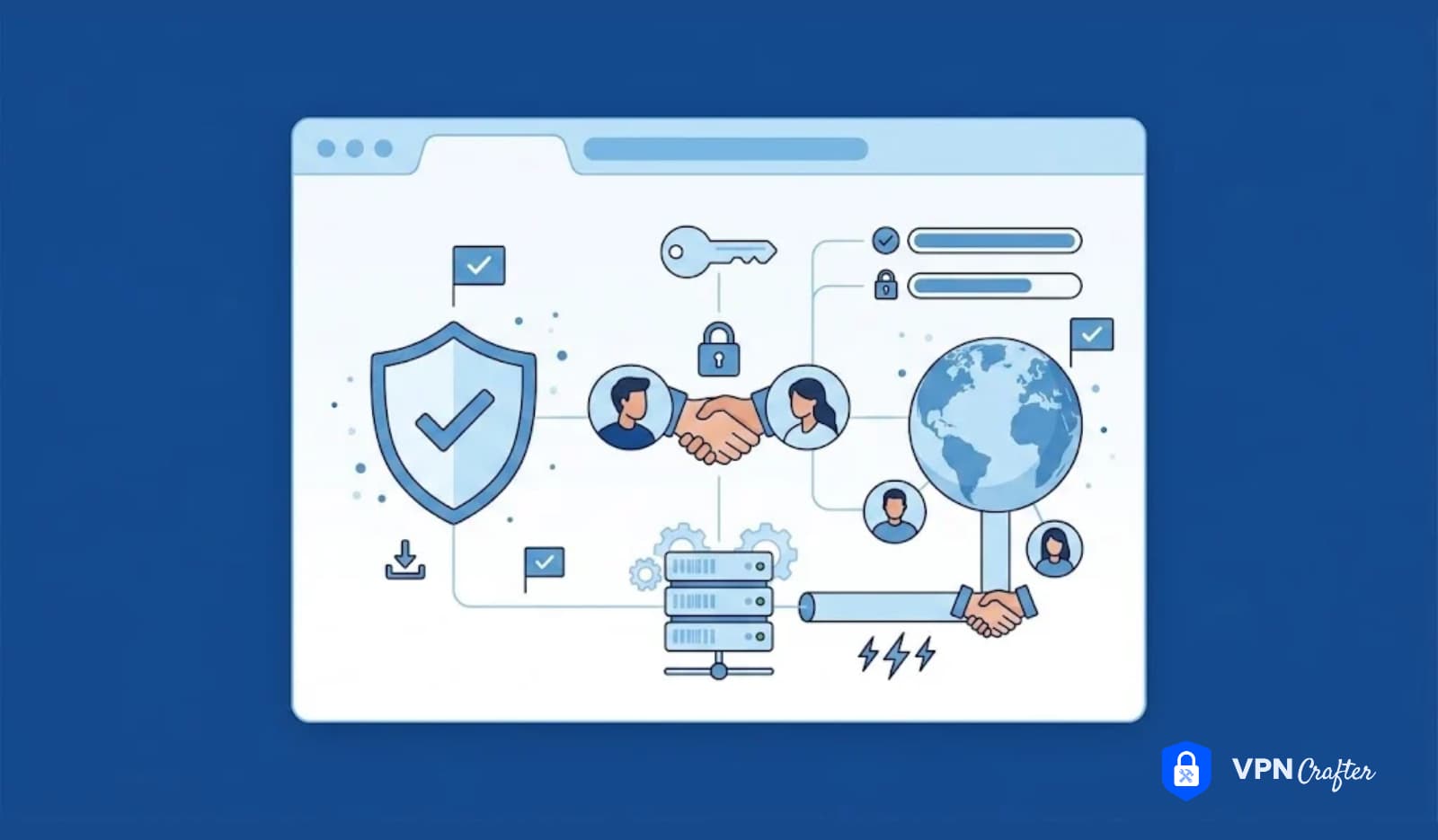
But a well-configured Virtual Private Network is not a consumer privacy gimmick. For developers, it’s programmable infrastructure. It collapses geographic barriers, wraps every packet in authenticated encryption, and lets you reshape your logical position on the internet with a single command. When treated as a first-class engineering tool, a VPN for developers solves a remarkably wide set of problems: from securing remote access to production databases without exposing a single port, to spinning up a global localization test lab, to embedding encrypted tunnels directly into IoT firmware.
In this guide, we’ll go well beyond the marketing checklist. We’ll dissect the protocols that make modern VPNs fast and auditable, walk through concrete technical patterns, and explore six high-impact ways to integrate a VPN into your daily and architectural workflows. Whether you’re a full-stack freelancer or an infrastructure engineer shaping the next generation of privacy-first products, this is your blueprint for turning the network layer into a competitive advantage.
1. The Zero-Trust Remote Access Gateway: Never Expose a Port Again
The traditional way to access an internal staging environment or a production database from outside the office is to punch a hole in the firewall—open port 22 for SSH, 3389 for RDP, or 5432 for PostgreSQL. This immediately makes your infrastructure a target for brute-force attacks, vulnerability scanners, and zero-day exploits. The smarter approach: a software-defined perimeter built entirely around a VPN tunnel.
The Architecture
Deploy a lightweight VPN server—preferably WireGuard for its minimal codebase, high speed, and kernel-level integration—inside your VPC or private subnet. This gateway has a public IP but exposes only a single UDP port that is silent to everything except a valid cryptographic handshake. No TCP banners, no login prompts, nothing to fingerprint. Connect your developer machine to this gateway, and your laptop is assigned a private IP address from the VPC’s range. Suddenly, ssh staging-app.internal works exactly as if you were plugged into the office LAN, even from a beach in Bali.
Implementation Details
- WireGuard setup: Create a
wg0.confon your cloud gateway with a private key and a[Peer]section for each developer’s public key. Assign each peer a unique allowed IP in a small subnet (e.g.,10.6.0.0/24). - Firewall rules: On the gateway, use
iptablesornftablesto forward traffic from the VPN interface to the private network, and enable masquerading. Crucially, deny all inbound traffic oneth0except the VPN port. - Kill switch on the client: A developer’s machine should run a script (or use a WireGuard config with
PostUp/PreDown) to ensure that no outbound traffic ever leaves via the physical interface if the tunnel goes down. For example,iptables -I OUTPUT ! -o wg0 -j DROPwith an exception for the VPN endpoint’s IP.
The result is a zero-trust access model. Even if your cloud provider’s metadata service is compromised, an attacker cannot reach your database because it simply doesn’t listen on any public interface. As a developer, you enjoy frictionless, always-on access to everything you need, while the attack surface shrinks to a single cryptographically sealed UDP port. This is how remote development should feel: as fast and secure as sitting in the office, without the office.
2. Geo-Location Testing: Your Worldwide QA Lab in One Click
Building an app that handles localized pricing, region-specific content, or compliance with data sovereignty laws? You need to see exactly what your users see in Tokyo, Frankfurt, and São Paulo—without leaving your desk. A VPN with a diverse global server network is your instant teleportation device.
Beyond Simple IP Spoofing
Connecting to a VPN exit server in Japan assigns your outbound IP to a Japanese address. But modern location testing requires more nuance. Many applications use a blend of IP geolocation, browser navigator.language, and even HTML5 geolocation APIs. A robust testing workflow pairs the VPN with browser developer tools:
- Set Chrome DevTools’ sensor override to a specific latitude/longitude.
- Override the locale and timezone.
- Route all traffic through the VPN server in the target country.
Now you can validate that your CDN edge node in Osaka is serving the correct localized JavaScript bundle, that your payment gateway presents Yen, and that your GDPR consent banner appears correctly configured for EU visitors.
Automated Pipeline Integration
For continuous localization QA, you can containerize your tests and route their traffic through a VPN. Using a Docker container with a WireGuard interface, you can run Cypress or Playwright end-to-end tests inside a network namespace that exits in a specific country. A simple script can iterate through a list of VPN configs, running a test suite for each region and capturing screenshots. This turns a manual, error-prone chore into an automated, reproducible pipeline—ensuring that a last-minute push doesn’t break your Brazilian Portuguese checkout flow.
A VPN for developers used this way doesn’t just simulate location; it makes location a configurable parameter of your test infrastructure, closing the gap between local development and real-world user experience.
3. Mastering API Rate Limits and Web Scraping Without Getting Blocked
Developers routinely hit third-party APIs that throttle by IP address. Whether you are running integration tests against your own endpoints, scraping public data for a machine-learning dataset, or just iterating rapidly on a feature that calls a geocoding service 1,000 times a day, a single office or home IP will quickly hit rate limits and blacklists.
The IP Rotation Strategy
A VPN allows you to change your public IP on demand by switching between geographically distributed gateway servers. For light to moderate needs, simply disconnecting from one location and connecting to another gives you a fresh address. More advanced setups involve a pool of dedicated static IPs offered by some VPN providers; these are clean addresses not shared with thousands of users and therefore less likely to be flagged by major platforms.
In scripts, you can leverage wireguard-go or OpenVPN’s management interface to programmatically cycle connections. A Python-based data scraper, for instance, can maintain a queue of VPN config files and, upon receiving a 429 Too Many Requests response, tear down the current tunnel, establish a new one, and retry the request seamlessly.
Split Tunneling for Precision
The killer feature for developers is split tunneling. You don’t want your entire machine’s traffic—Slack, Spotify, email—flooding through a rotating IP. Instead, you configure the VPN to route only specific traffic (e.g., destination port 443 to your API’s IP range, or traffic from a particular test script user agent) through the tunnel. WireGuard’s AllowedIPs setting makes this trivially easy: specify 0.0.0.0/0 to route everything, or list only the CIDR ranges of the APIs you need to access with changed IPs. The rest of your system stays on the direct connection.
Using a VPN this way decouples your development identity from your personal or corporate IP. You can hammer your own staging API with load tests without triggering alarms, and you keep your primary IP pristine for daily work. The network becomes a renewable resource rather than a fixed constraint.
4. Intellectual Property Protection on Hostile Networks
Your source code, API keys, database dumps, and proprietary algorithms are the crown jewels of your business. Yet developers regularly access these from networks they don’t control: conference Wi‑Fi, airport lounges, co-working spaces, and client offices. These environments are ripe for ARP spoofing, rogue DHCP servers, SSL stripping attacks, and simple packet sniffing.
A VPN encrypts every IP packet from your device up to the exit server. Modern protocols like WireGuard use the Noise protocol framework and Curve25519 for key exchange, providing authenticated encryption with perfect forward secrecy. An attacker on the same local network sees nothing but a stream of indecipherable UDP datagrams. Even if the Wi‑Fi access point is actively malicious, it cannot inject, read, or tamper with your Git push or your database query.
The No-Logs Dimension
Encryption alone isn’t enough if the VPN provider itself keeps connection logs. For developers who handle sensitive IP or work under strict NDAs, a verified no-logs policy—ideally audited by a third party—becomes essential. The provider must prove that it records no timestamps, no source IPs, and no traffic metadata. Technologies like RAM-only servers and diskless infrastructure further ensure that even a physical seizure yields nothing.
On the client side, combine the VPN with full-disk encryption and a mandatory kill switch. Many VPN apps allow you to bind specific applications to the VPN interface; if the tunnel drops, those apps instantly lose all network access. Configure your IDE, terminal, and database GUI to bind only to the VPN interface, and you’ve created a hard-fail safety net. No accidental plaintext leakage, ever.
5. VPN as an Embedded Feature: Building Secure-by-Default Products
The same primitives that protect your laptop can become a core product feature. The open-source WireGuard protocol, with its tiny codebase (around 4,000 lines) and availability across Linux kernel, Windows, macOS, and libraries for languages like Go, Rust, and Python, makes embedding a VPN directly into your application straightforward and safe.
Use Cases in the Wild
- IoT devices: An agricultural sensor mesh can use WireGuard to create a secure control plane back to the cloud without relying on TLS for every point-to-point link. New nodes can be provisioned by simply adding a peer public key; the mesh is encrypted by default.
- Privacy-first consumer apps: A mobile browser or email client can offer a “Secure Connection” toggle that activates a background WireGuard tunnel to a zero-log gateway, preventing ISPs and local network operators from profiling user activity.
- Microservices and multi-cloud: Instead of managing complex service mesh certificates for internal traffic across cloud regions, teams deploy a WireGuard mesh that encrypts all inter-service communication transparently. The service only sees a local IP, and cryptographic identity is tied to the network layer.
From a product marketing perspective, this is powerful: you’re not selling a VPN as an add-on; you’re shipping an infrastructure that says “we take your security so seriously, it’s baked into the architecture.” Developers who understand the protocol can create entirely new categories of secure-by-default applications, all while keeping latency overhead imperceptible (WireGuard routinely achieves line-rate throughput on modern hardware).
6. Unifying Distributed Teams with a Shared Development Network
“It works on my machine” is often a networking problem in disguise. Staging environments are frequently locked down to specific office IPs; service discovery relies on internal DNS that doesn’t resolve outside the corporate LAN; and firewall rules treat remote developers as second-class citizens. A team VPN flattens these barriers and makes location irrelevant.
How It Works in Practice
Establish a central VPN server within (or peered to) your staging VPC. Every developer, whether in the head office or working remotely from a rural cabin, connects with a unique credential. The VPN assigns each one an IP from a shared private subnet, and the server is configured to route traffic to all internal services.
Now, the staging Kubernetes cluster’s ingress can be set to listen only on a private IP and accept connections from the VPN subnet. Internal tools like Jenkins, Grafana, and the feature branch preview environment are all accessible at stable, internal hostnames—no more “what’s your current IP so I can whitelist it?” The DNS configuration is consistent for everyone because everyone resolves names through the same internal DNS resolver reachable over the tunnel.
Reproducible Onboarding
New team members receive a VPN config file and an invitation to the identity provider. Once connected, their development environment is indistinguishable from a veteran’s. Pre-seeded Docker images can assume certain private network ranges; local hosts files become unnecessary. This dramatically reduces the time-to-first-commit and eliminates a whole class of hard-to-diagnose integration bugs that originate from network asymmetry. It’s a lightweight, infrastructure-as-code-friendly way to enforce parity between local, staging, and production network topologies.
Choosing the Right VPN for Your Developer Workflow
Not all VPNs are built for engineering work. When selecting a service or rolling your own, prioritize:
- WireGuard support: Faster, leaner, and easier to script than OpenVPN.
- Static and dedicated IPs: Crucial for whitelisting and consistent testing.
- Split tunneling: Fine-grained control over what goes through the tunnel.
- Kill switch and app binding: Hard guarantees against accidental leaks.
- Audited no-logs policy: Non-negotiable if you handle proprietary code.
- Server network density: Critical for geo-testing and IP rotation; the more locations, the better.
Many cloud-native developers also choose to self-host a WireGuard gateway on a $5 VPS, giving them full control over the exit IP and logs. Tools like Algo, PiVPN, or the built-in WireGuard support in Ubuntu make setup a ten-minute job. The choice between commercial VPN and self-hosted depends on whether you need a large pool of global IPs or just a secure, static entry point to your private infrastructure.
Final Words: The Network Is Part of Your Stack—Treat It That Way
For too long, developers have treated the internet connection as an uncontrollable given, something to be secured only after the fact with application-layer patches. That mindset belongs in the past. A VPN for developers is not a bolt-on; it’s a foundational layer that shapes how you access, test, and ship code. It turns the chaotic, public network into a programmable, encrypted asset that you can reshape at will.
Whether you’re tightening the zero-trust perimeter around your production databases, spinning up a ten-country QA laboratory from your terminal, or embedding a privacy-first tunnel into your startup’s new hardware device, a developer-grade VPN earns its place right beside your editor, your version control, and your CI server. Invest the time to integrate it deeply into your workflows. The payoff is not just better security—it’s a more agile, global, and resilient software delivery pipeline. Your code deserves nothing less.